Integrate Paddle with HubSpot
Connect a Paddle account to HubSpot. Create or update contacts, and send data automatically to your HubSpot account when there is new information in Paddle.
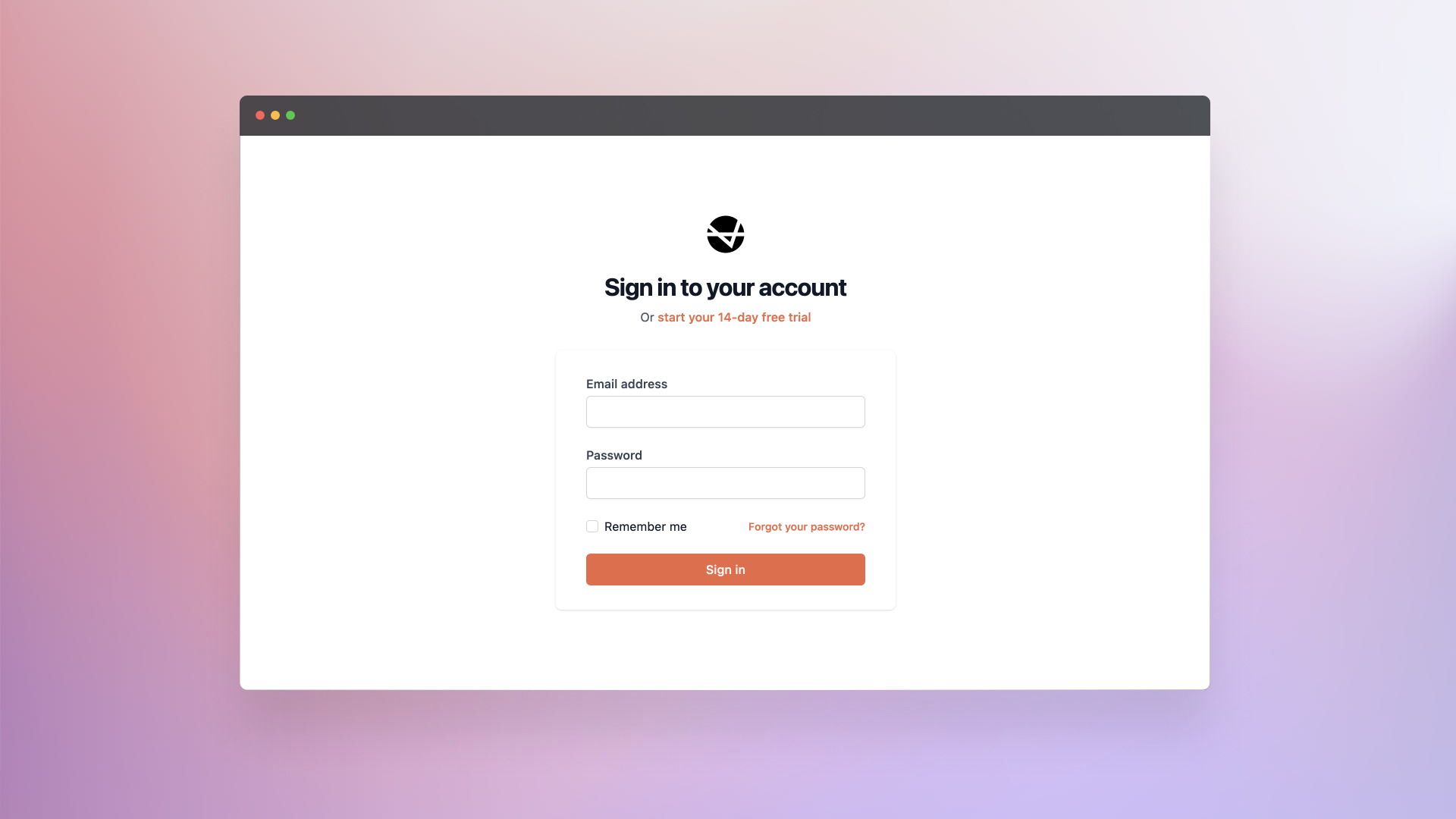
1. Sign in to your Rower account.
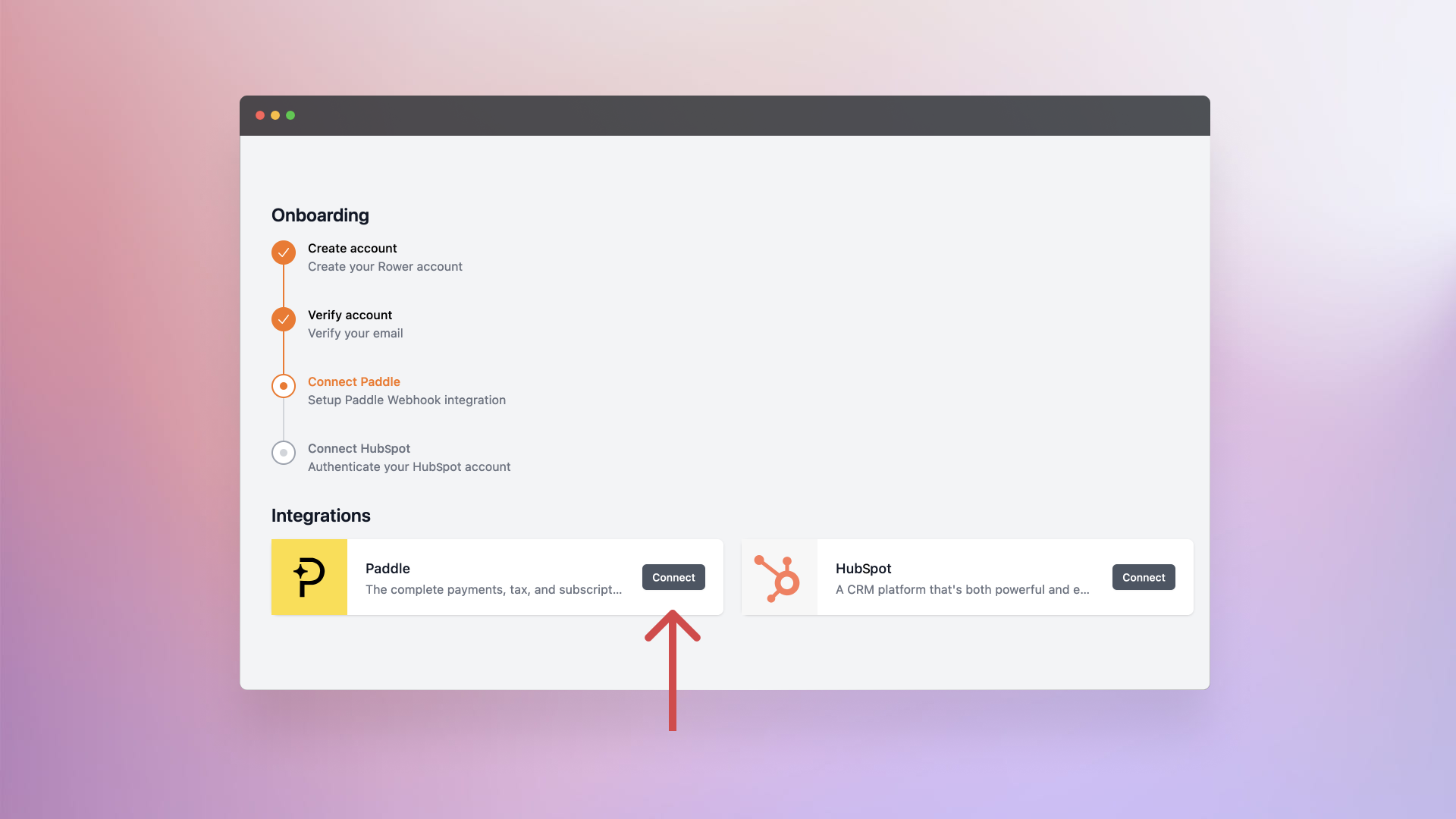
2. Click Connect next to Paddle.
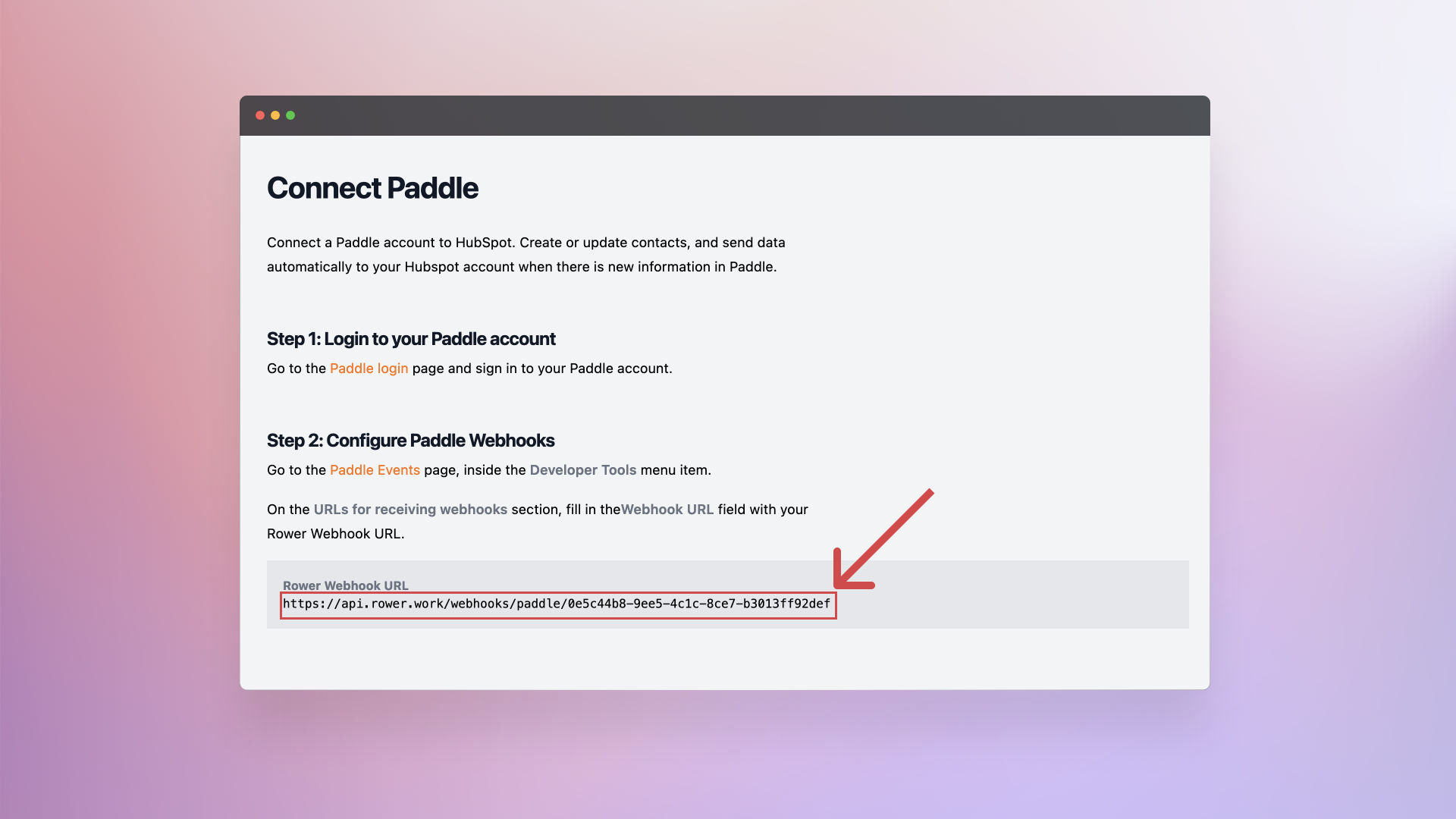
3. Copy your Rower Webhook URL.
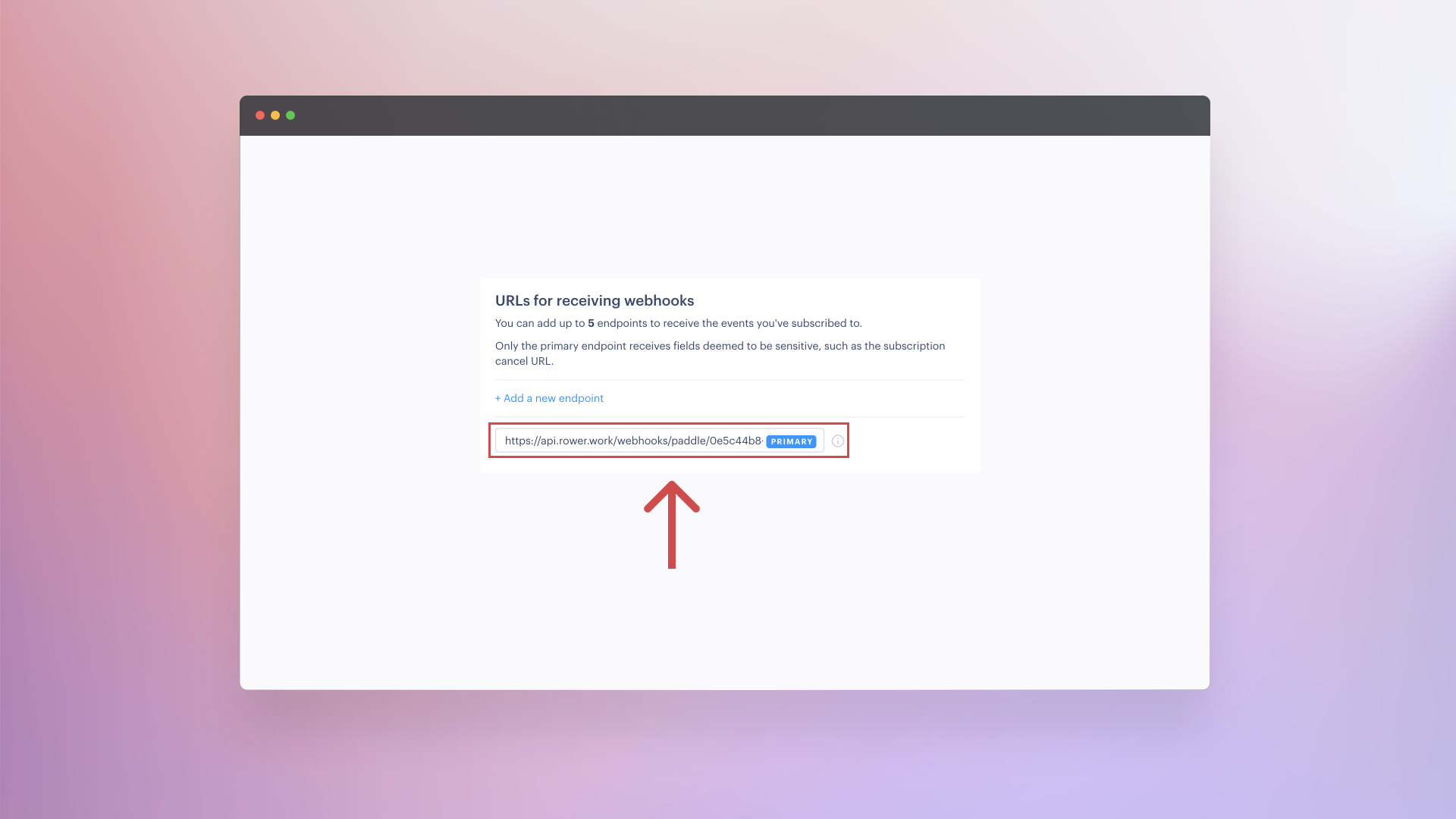
4. In Paddle, set the Webhook URL field using the value displayed in your Rower dashboard.
5. Select all events you want to sync and click Save.

6. Click Connect next to HubSpot.

7. Select the account you want to use and click Choose Account.

🎉 Done. Rower will sync new Paddle events to the HubSpot account you selected. Contact us if you need help with the integration.